| Choose by | Vocal Glide | Echo Biomes |
|---|---|---|
| Your side of sound | Make it: hum or sing | Hear it: listen and choose |
| What the game uses | Voice pitch | Your sound judgment |
| Example | Guide a fairy; bloom a flower | Find a fennec; rebuild a melody |
| Microphone | Required | Not required |
| Headphones | No stereo-direction requirement | Stereo required for two of five games |
| Languages | English menus; no spoken words required | English menus; no spoken answer required |
| Access | 7-day trial; separate lifetime unlock | 14-day trial; separate lifetime unlock |
Pick Vocal Glide when you want your voice to move something
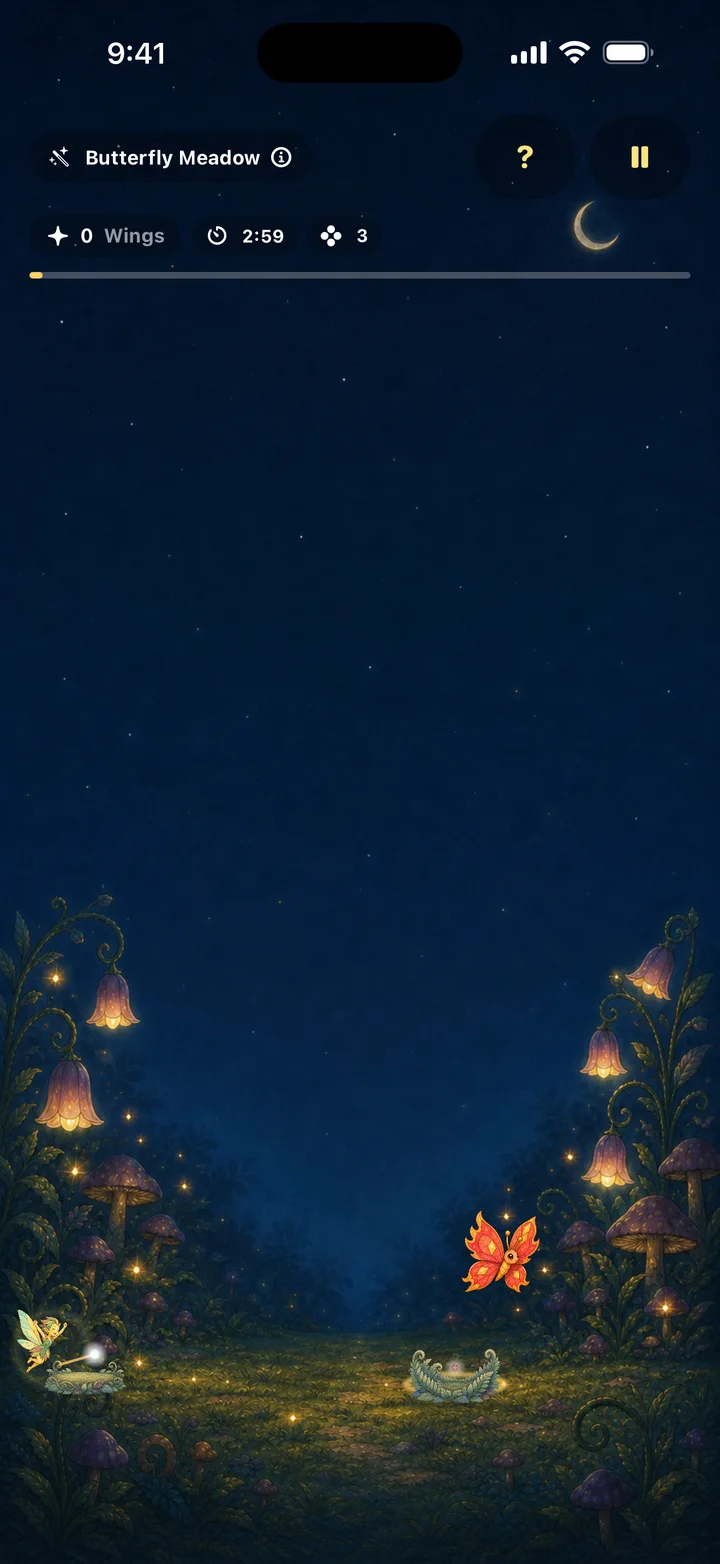
Vocal Glide listens for changes in pitch. You can use a hum or a comfortable vowel instead of lyrics. Its five experiences include fairy flight, a moving magic hat, note matching, butterfly spell play and painting a sky.
Start with Note Garden if you want a matched note to bloom a flower without a score or failure. Choose Moonlit Cave when steering through a scene sounds more appealing. Our voice-controlled games guide explains how pitch input differs from volume.
Pick Echo Biomes when you want listening to lead
Echo Biomes requires no microphone. A difference in loudness, a hidden sound location, a melody or a rhythm becomes the reason for your next move. It offers five games within Echo Wadi, its first biome, with day and night settings.
Three games can use the speaker. Whispering Dunes and Starweaver depend on stereo headphones. If you came looking for ear training, use our ear-training game chooser to decide between this kind of play and musical exercises.
Let your surroundings help you decide
In a place where you cannot comfortably speak, choose a suitable listening activity. At home with family, try a speaker-compatible game and take turns. If you want to hum, leave the microphone enough quiet to hear the current player. None of these games requires an account or includes ads.
Both require iOS 17 or later. Each offers a deliberately started free trial that does not renew or charge automatically, followed by a separate lifetime purchase if you choose to continue.
Games, practice and lessons have different jobs
These are choices about play. A humming game can make pitch visible, and a listening game can make a sound difference matter. Choose a dedicated course or training tool when you want its broader curriculum. Our comparison library explains those tradeoffs for specific alternatives.
Ready to play? Explore Vocal Glide or Echo Biomes.